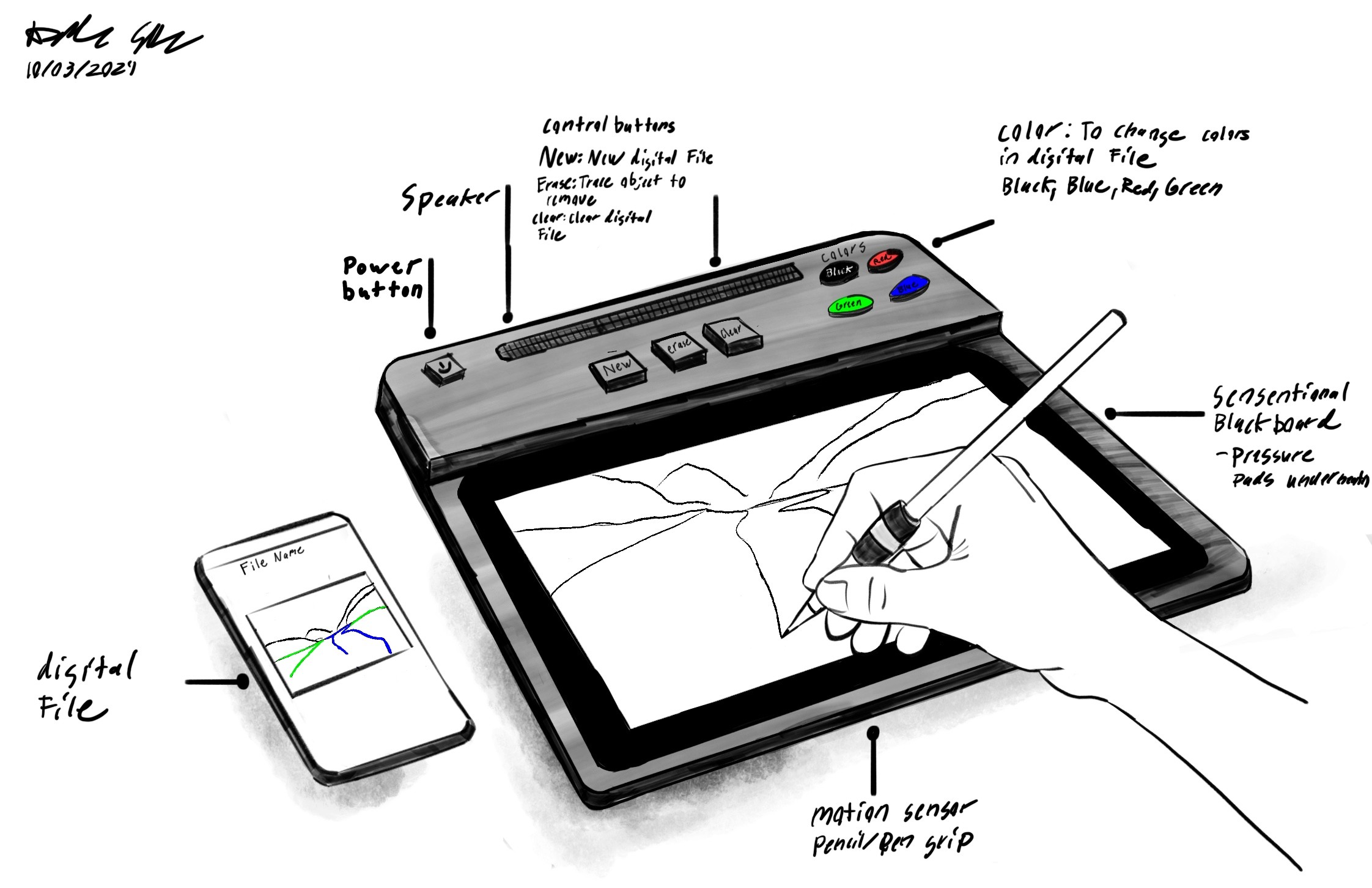
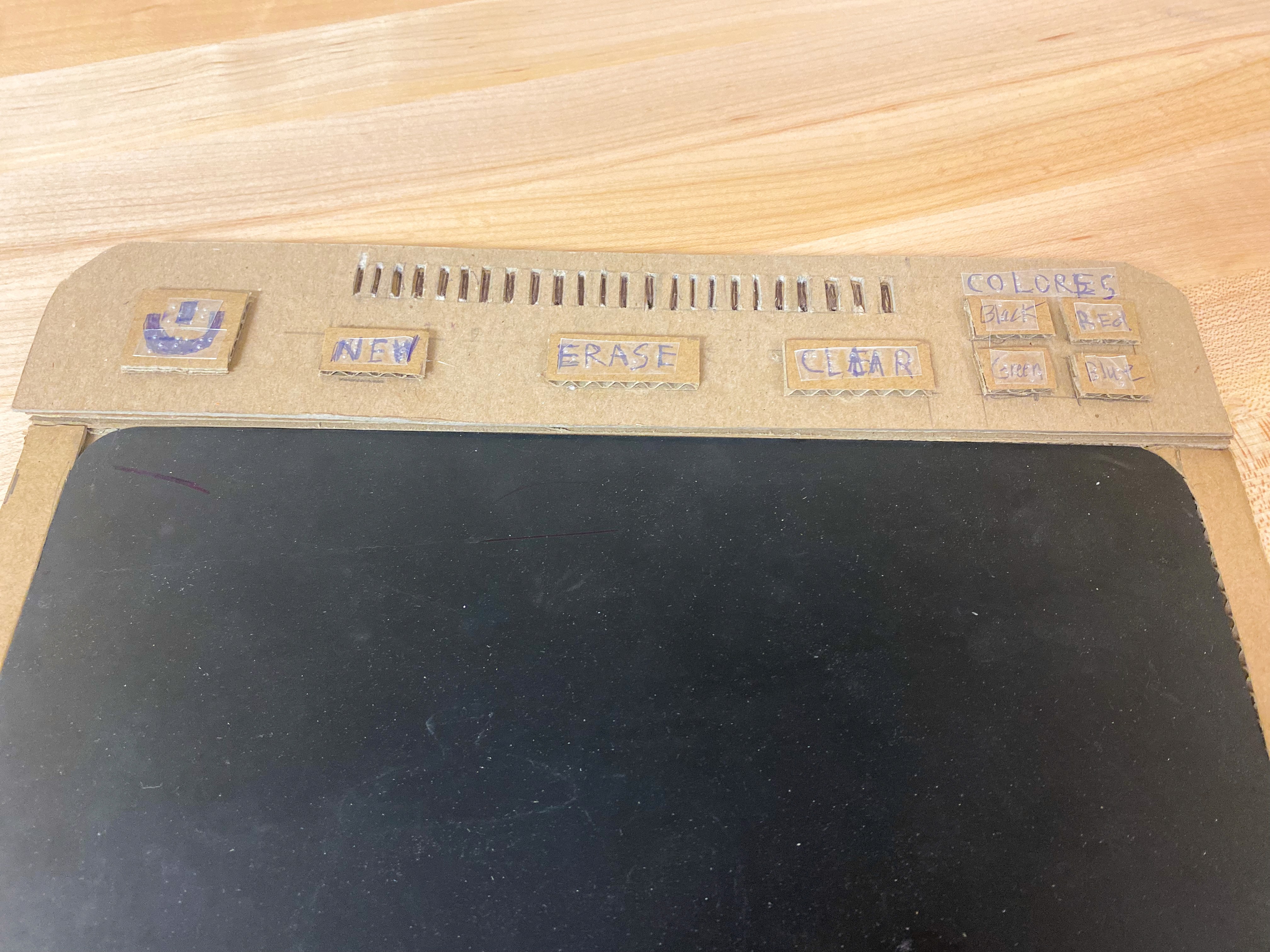
Tablet
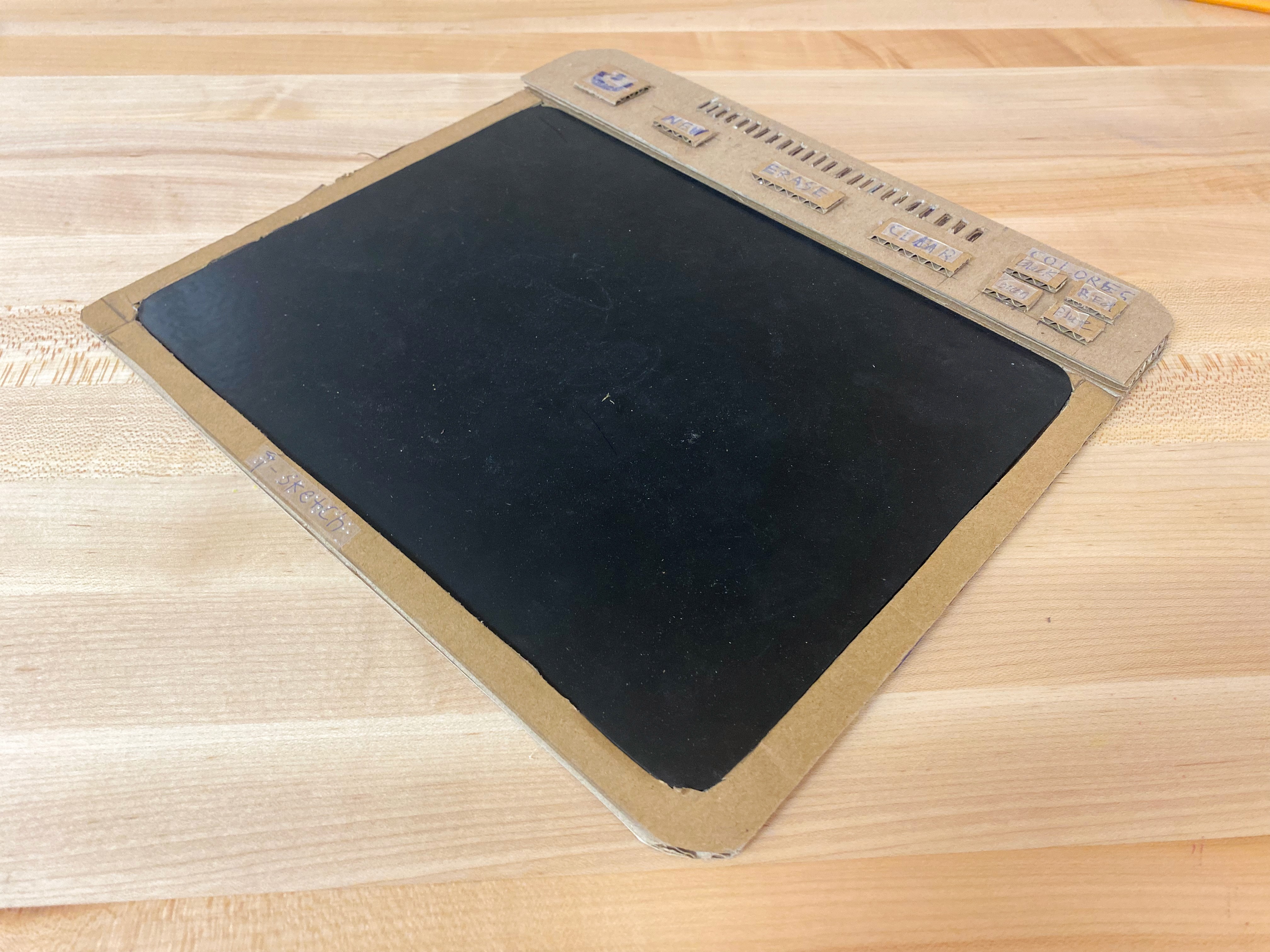
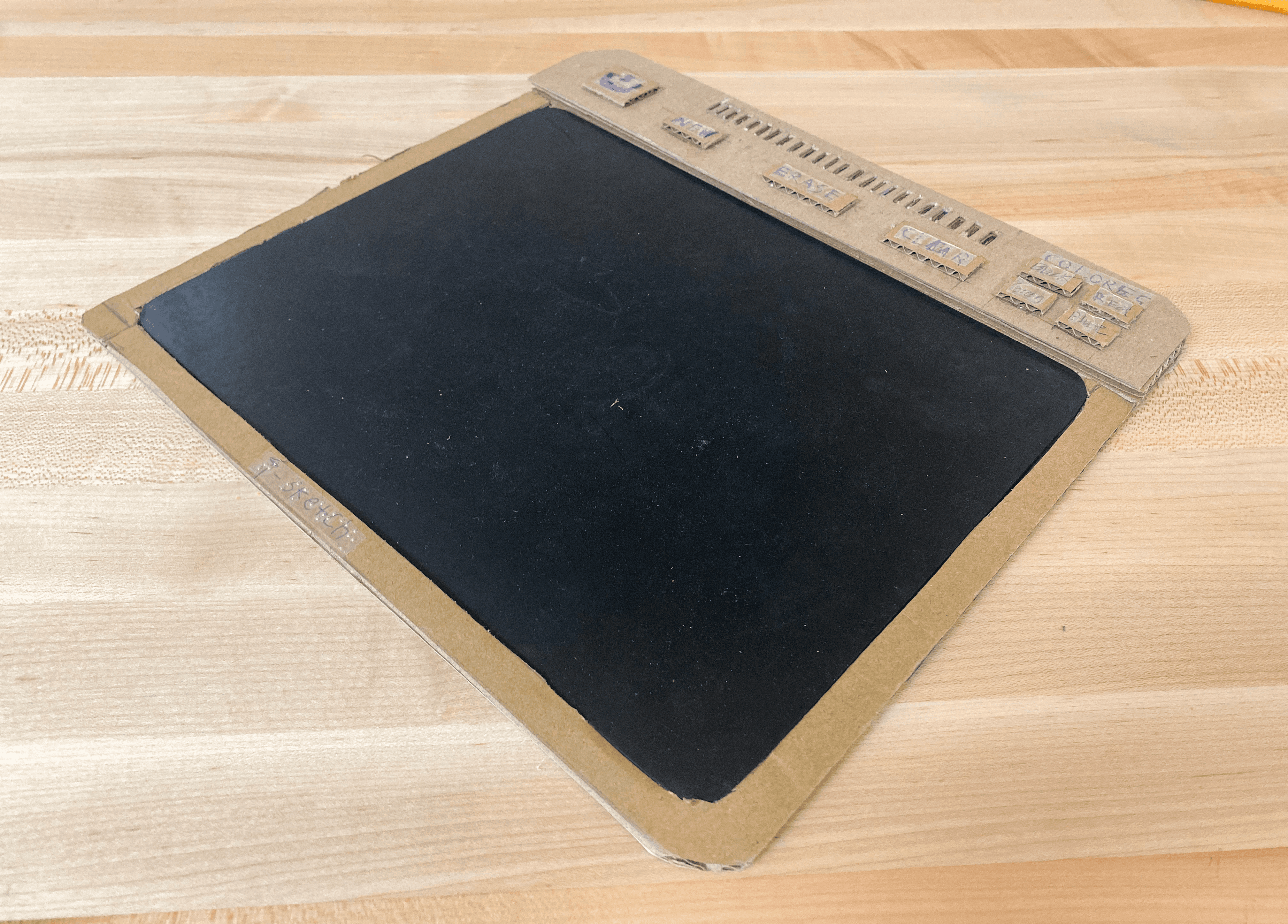
Dashboard
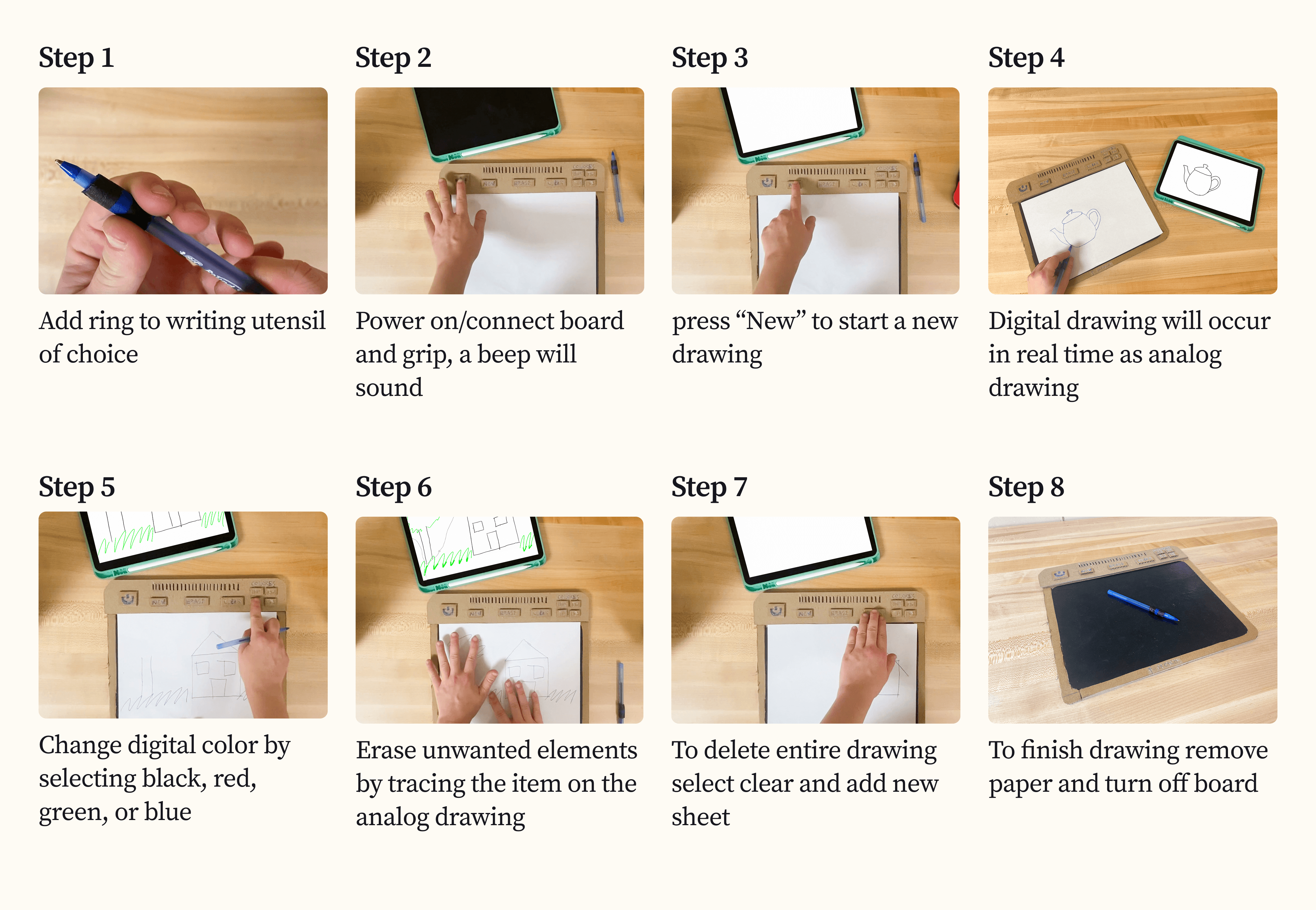
On/off- power button
New- make a new digital file
Erase- remove elements form the Digital file
Clear- delete all contents from digital file
Colors- black (bk), red (rd), green (gn), blue (bl)
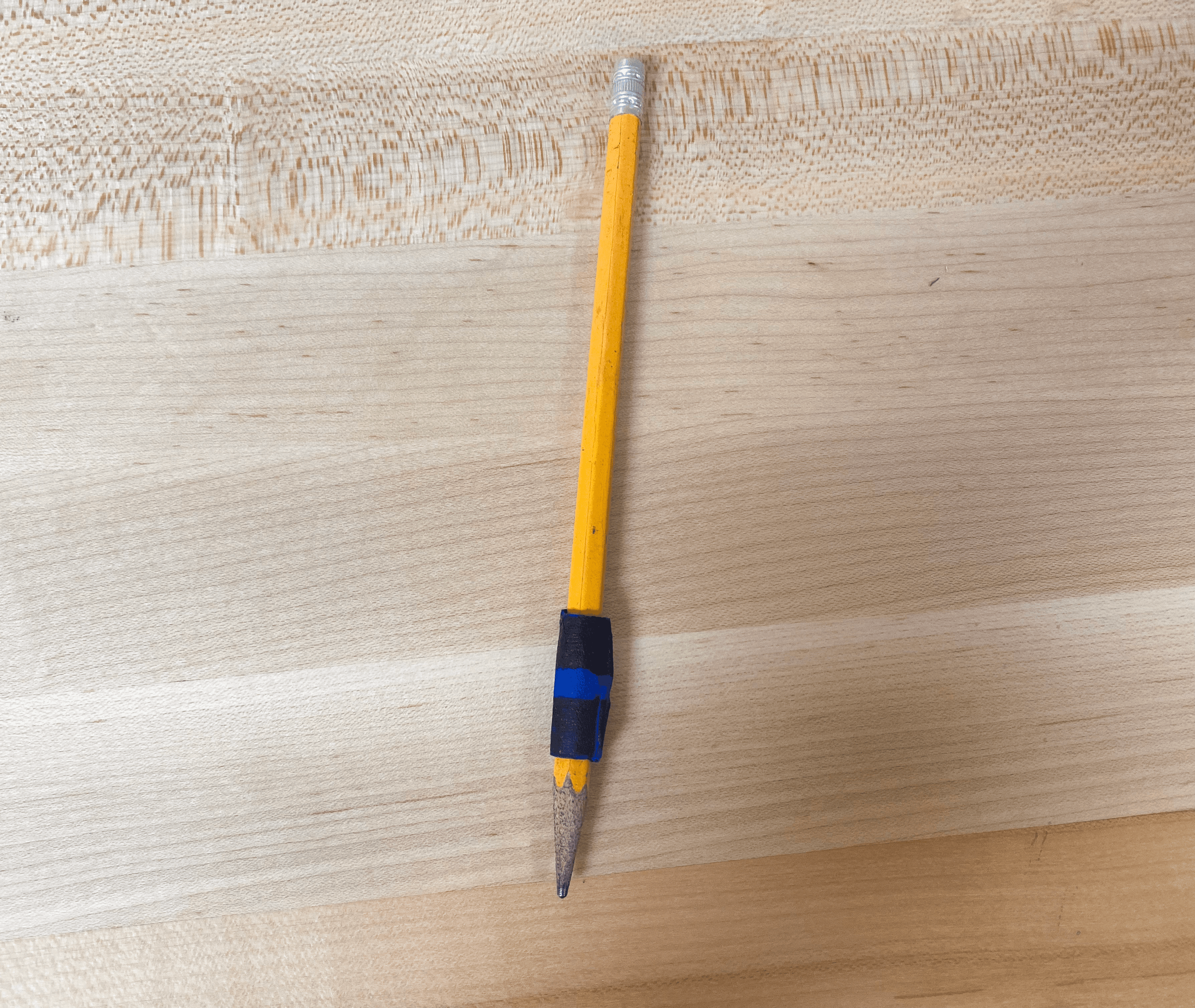
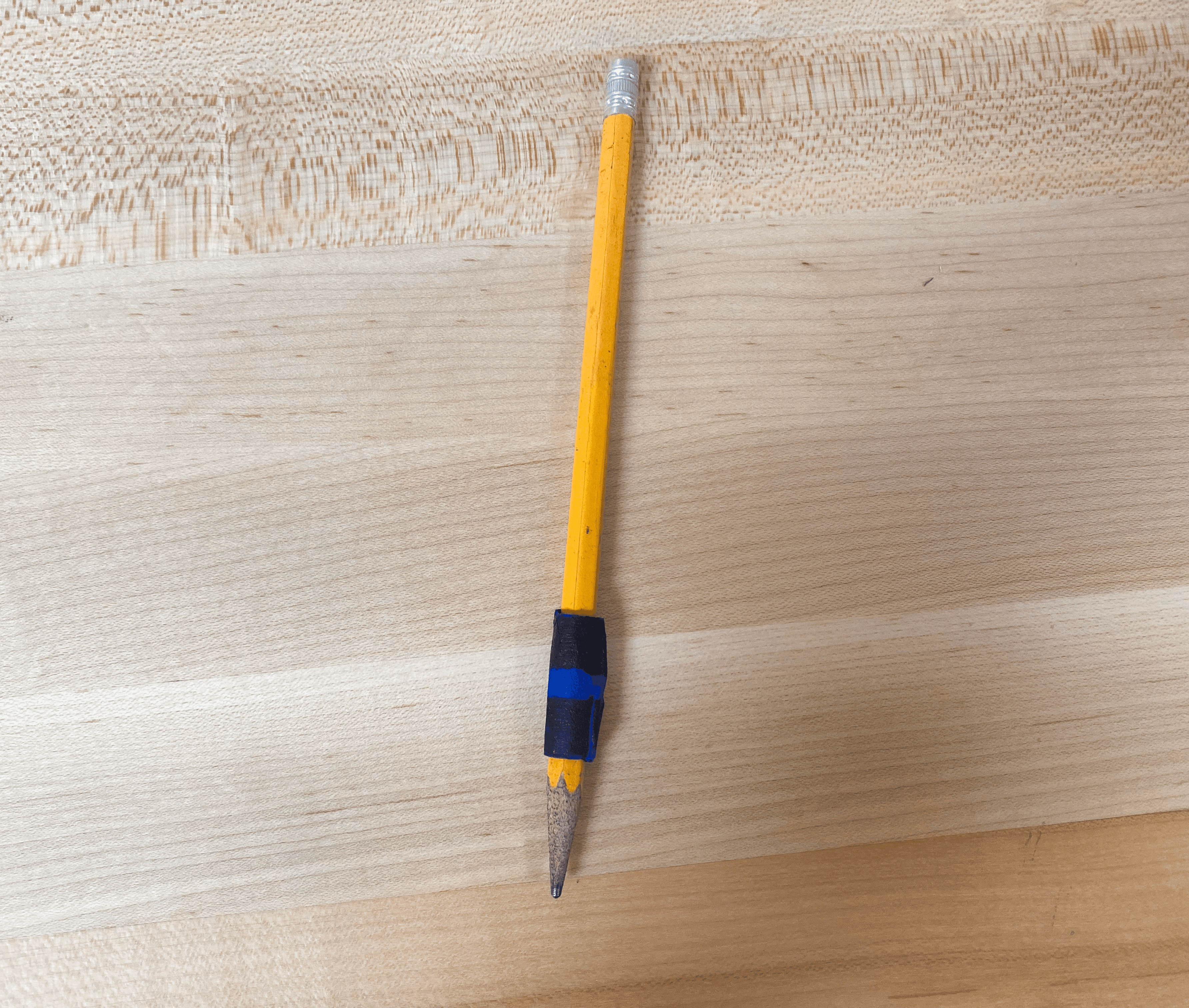
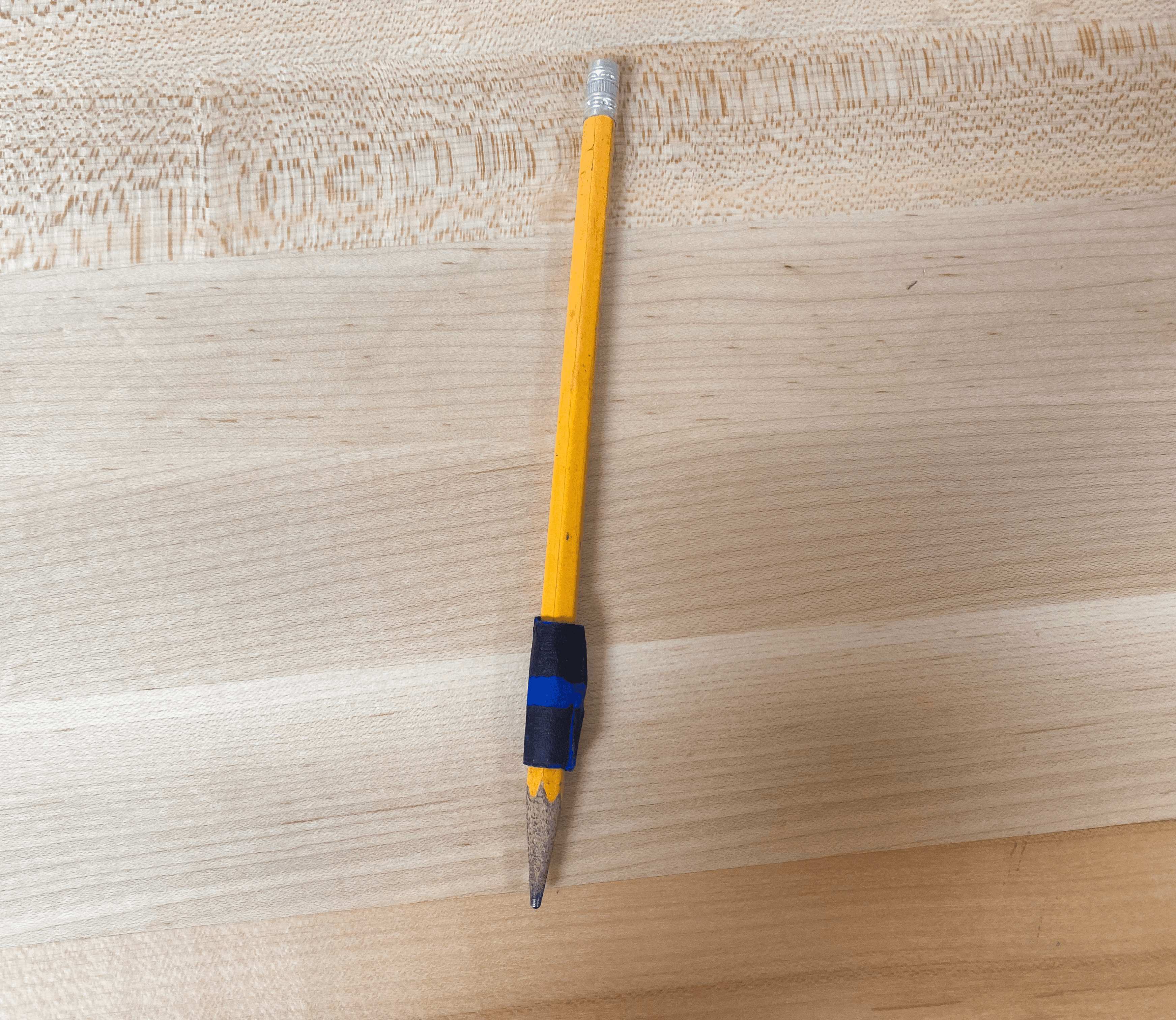
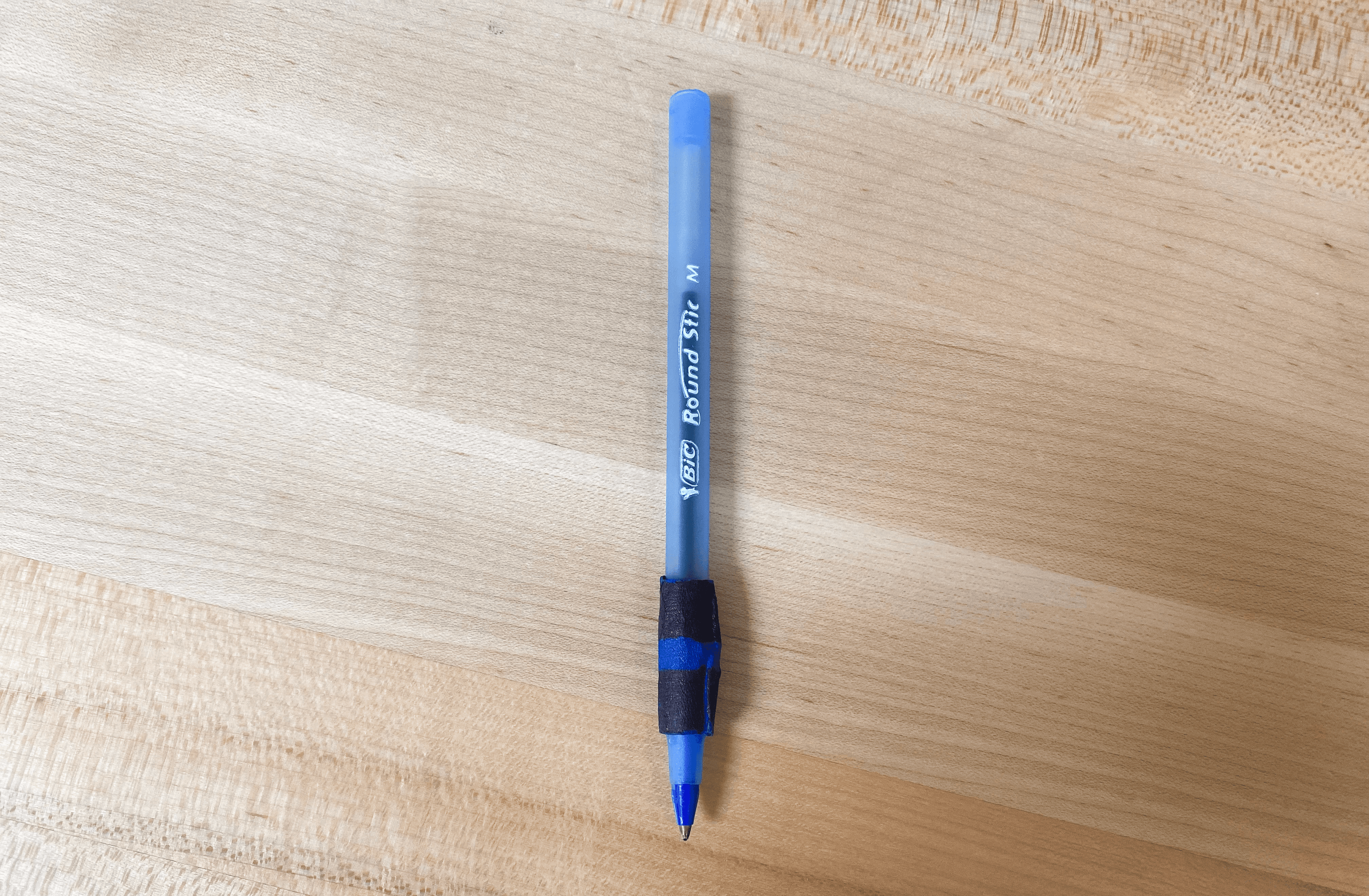
Grip for Writing Tool
Research
There are around 100 different digital drawing platforms in today's market, spanning across devices and skill levels (beginner to professional). There is currently no digital drawing platform that is fully accessible to visually impaired users. This has created a sentiment among the blind and low vision community that digital drawing can never be fully accessible.
Several key challenges prevent accessibility in digital drawing.
Tactile feedback is essential for visually impaired users, as it provides the most accurate way to track what is drawn and where elements are on a canvas. Current platforms do not support tactile feedback.
Audio feedback is also critical: audio labels allow users to name elements on a canvas for easy identification via screen readers, and audio cues confirm actions, such as successfully changing a color. Without audio cues, there is often confusion about whether actions were completed successfully.
Digital drawing platforms also struggle with error correction and object manipulation. Editing features, such as erasing or relocating elements, are limited or require printing the drawing on an embosser. Some platforms even require restarting the entire drawing to make changes.
Mapping and complexity pose additional challenges. Studies show that programs with partial accessibility features often limit the complexity that BLV users can add to a drawing. This can restrict users to straight lines, preset shapes from menus, and limited color choices. Highly detailed images create difficulties in understanding relationships between objects due to inconsistent screen reader announcements.
Finally, there are challenges around color choices, complex shapes, transformations, and shading. If users have the option to adjust any of those categories, it is often minimal. Additionally, users face uncertainty about the success of object manipulations due to the lack of feedback mechanisms, making it nearly impossible to execute advanced drawing techniques confidently.
Market Research
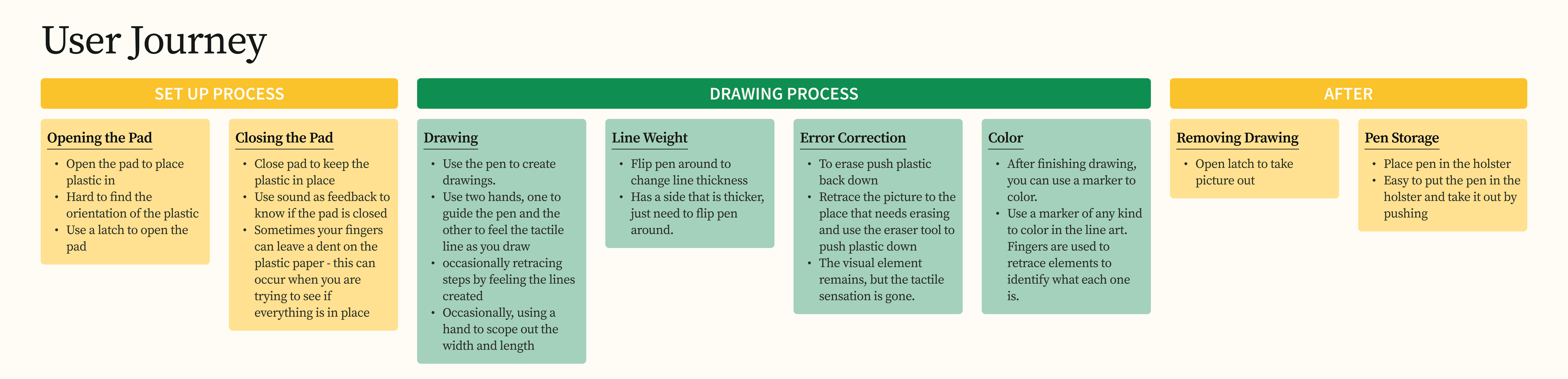
A study on the usability of existing drawing platforms for blind and low vision users.
T3 Drawing Tablet

Graphiti

inTACT Sketch Pad
FeeLif
Final Concept
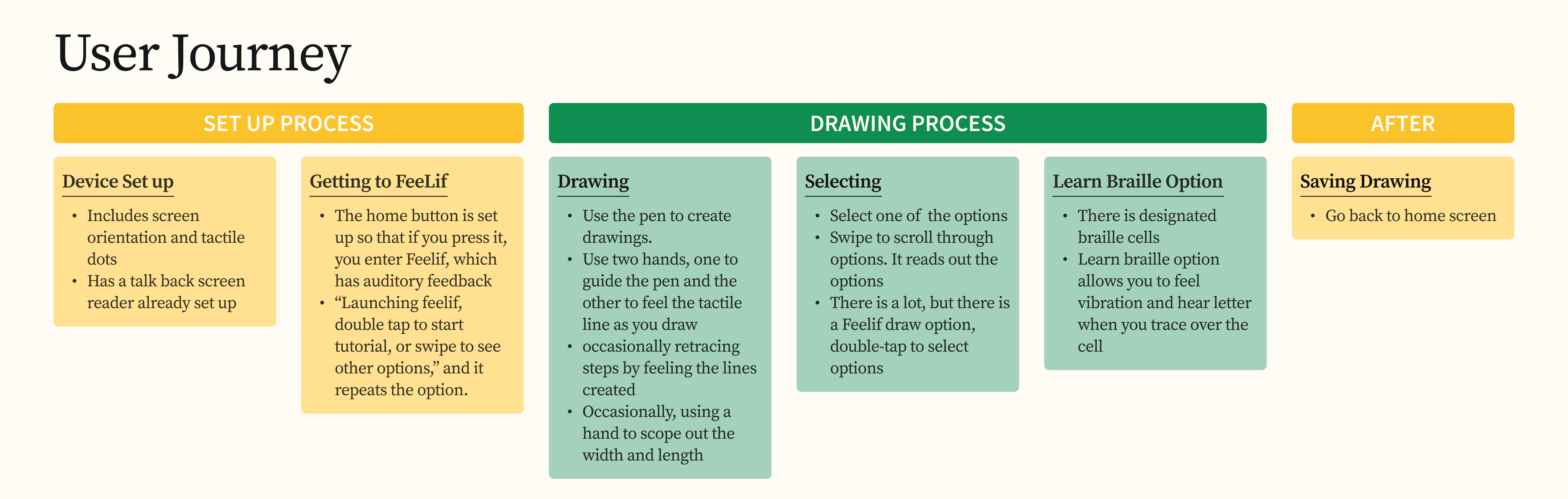
Integrates the technology found in smart notebooks (motion sensors and pressure sensors) for instant digitization of analog content with a sensational blackboard, a tool used by the blind and low vision community to create drawings.